
GTA PFP Maker
Turn a selfie into a GTA 6 style profile picture. The AI paints your face as square loading screen art with a sunset city behind you, or as a 3D game character, sized to fit any avatar circle.
Upload a photo of yourself
A clear selfie or portrait works best. JPG, PNG or WebP up to 20 MB.
How to make a GTA profile picture
Upload a photo
Drop a selfie or portrait, paste one from your clipboard, or try the sample photo. JPG, PNG and WebP up to 20 MB.
Keep the Square frame
Square is selected already, so the image fits avatar slots without cropping your face. Pick Loading screen art for the painted look or In-game character for a 3D one.
Generate and download
Your image is ready in about a minute. Try other styles on the same photo and download the ones you like as PNG.
Before and after
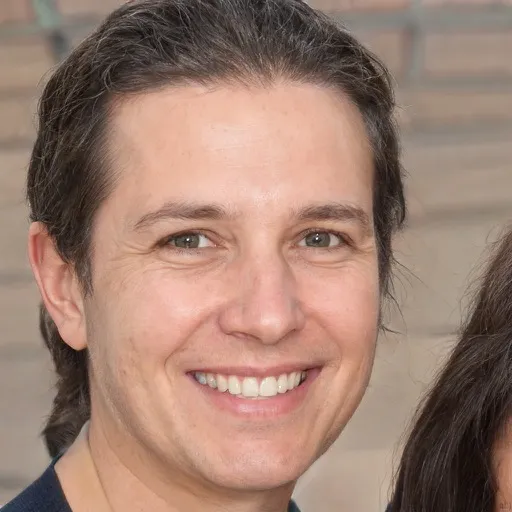 Photo
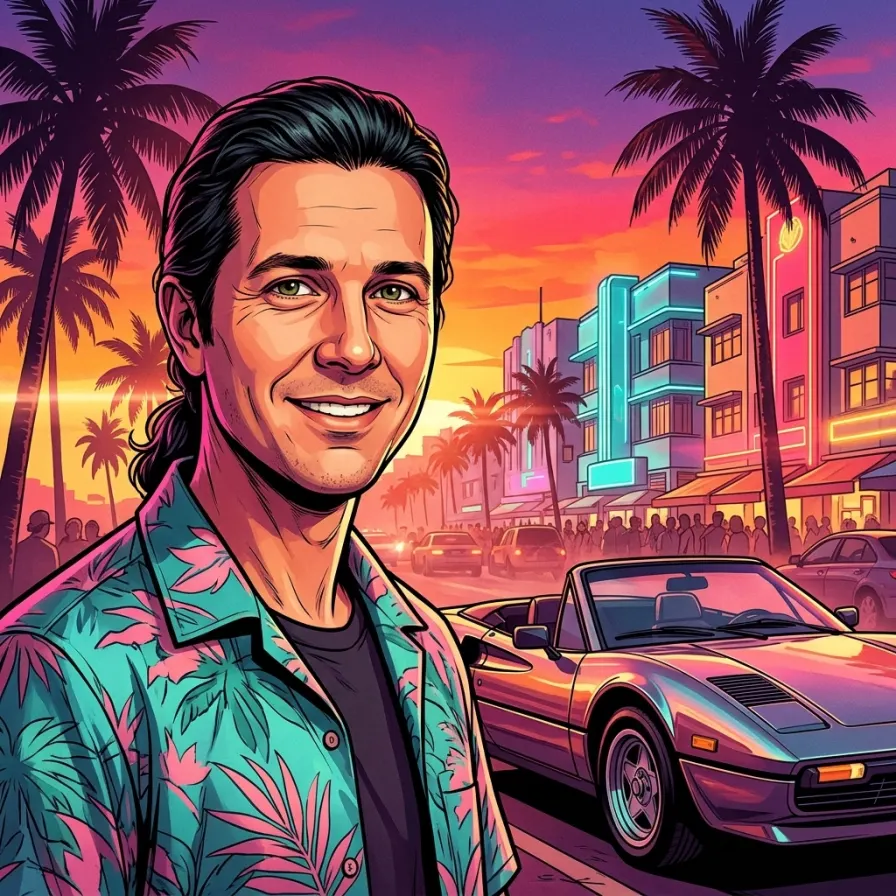 ResultPhoto
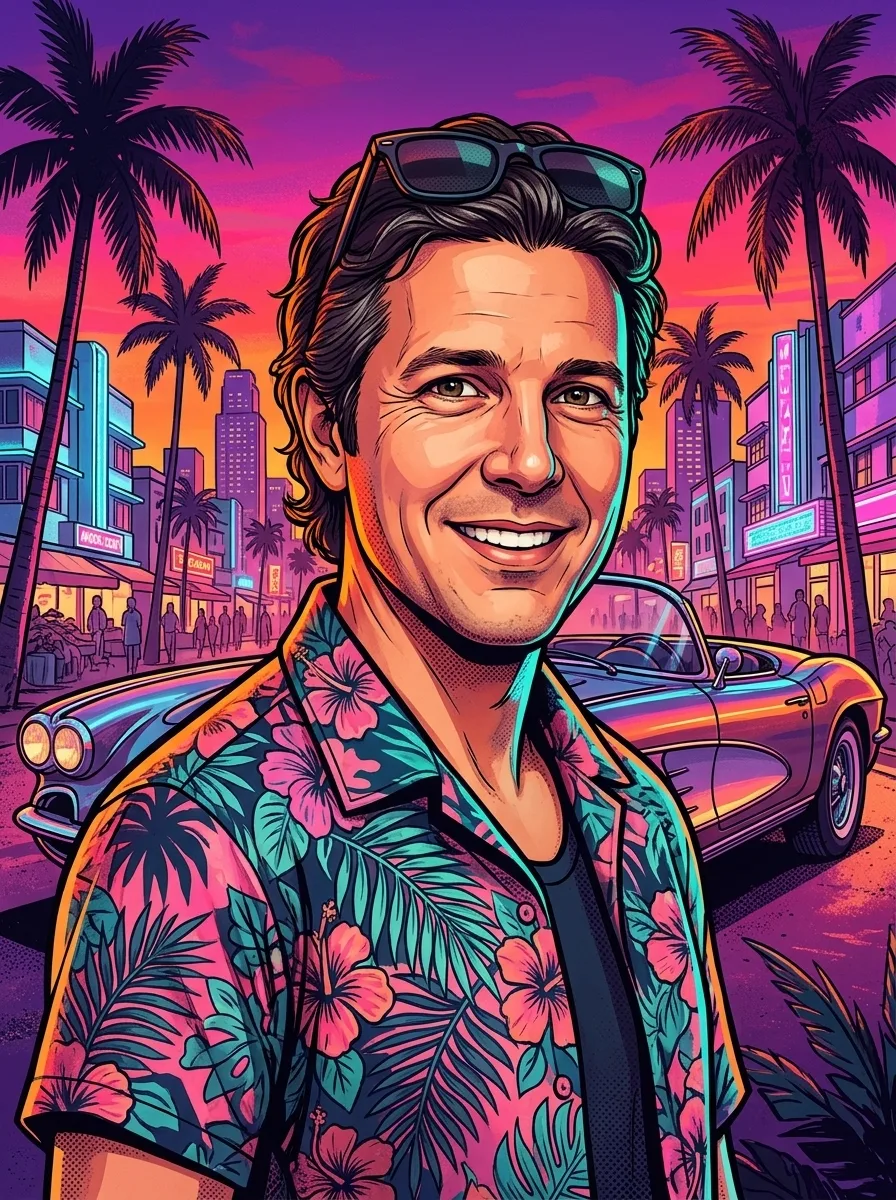 Result
Made for avatar circles
Most apps crop profile pictures to a circle, so the face has to sit in the middle with room around it. The square frame keeps your head centered and large, with palm trees, neon hotels and a sunset sky filling the corners that get cut off anyway.
The same picture works on Discord, X, Instagram, TikTok, Steam and Xbox. Download it as a PNG and upload it in your profile settings.
Match your crew for launch day
Planning to play with friends when GTA 6 comes out? Run everyone’s selfie through the same style and your group chat or Discord server gets a matching set of avatars. Each image is painted from scratch, so no two come out the same.
Tips for a better result
- Use a sharp photo where your face is clearly visible, ideally facing the camera.
- Good, even light works best. Avoid heavy filters and dark sunglasses.
- One to three people per photo. Crowds lose detail.
- Pick Phone for lock screens and stories, Portrait for posts, Wallpaper for desktops and YouTube thumbnails, Square for profile pictures.
- Not quite right? Generate again. Each run paints a slightly different scene.
Unofficial fan tool
This site is made by fans and is not affiliated with, endorsed by or sponsored by Rockstar Games or Take-Two Interactive. Grand Theft Auto, GTA and GTA VI are trademarks of Take-Two Interactive. The images are new AI artwork inspired by the look of the games; they contain no official logos, characters or game assets.