
GTA 6 Wallpaper Maker
Put yourself on your lock screen. Upload a selfie and the AI paints you as GTA 6 style loading screen art in a tall 9:16 phone frame, or switch to 16:9 for a desktop wallpaper.
Upload a photo of yourself
A clear selfie or portrait works best. JPG, PNG or WebP up to 20 MB.
How to make a GTA 6 wallpaper of yourself
Upload a photo
Drop a selfie or portrait, paste one from your clipboard, or try the sample photo. JPG, PNG and WebP up to 20 MB.
Pick Phone or Wallpaper
Phone (9:16) is selected for lock screens. Choose Wallpaper (16:9) for a desktop or laptop. Loading screen art is the classic look; In-game character gives a 3D scene.
Download and set it
Your wallpaper is ready in about a minute. Download the PNG, then set it from your phone’s photo app or your computer’s display settings.
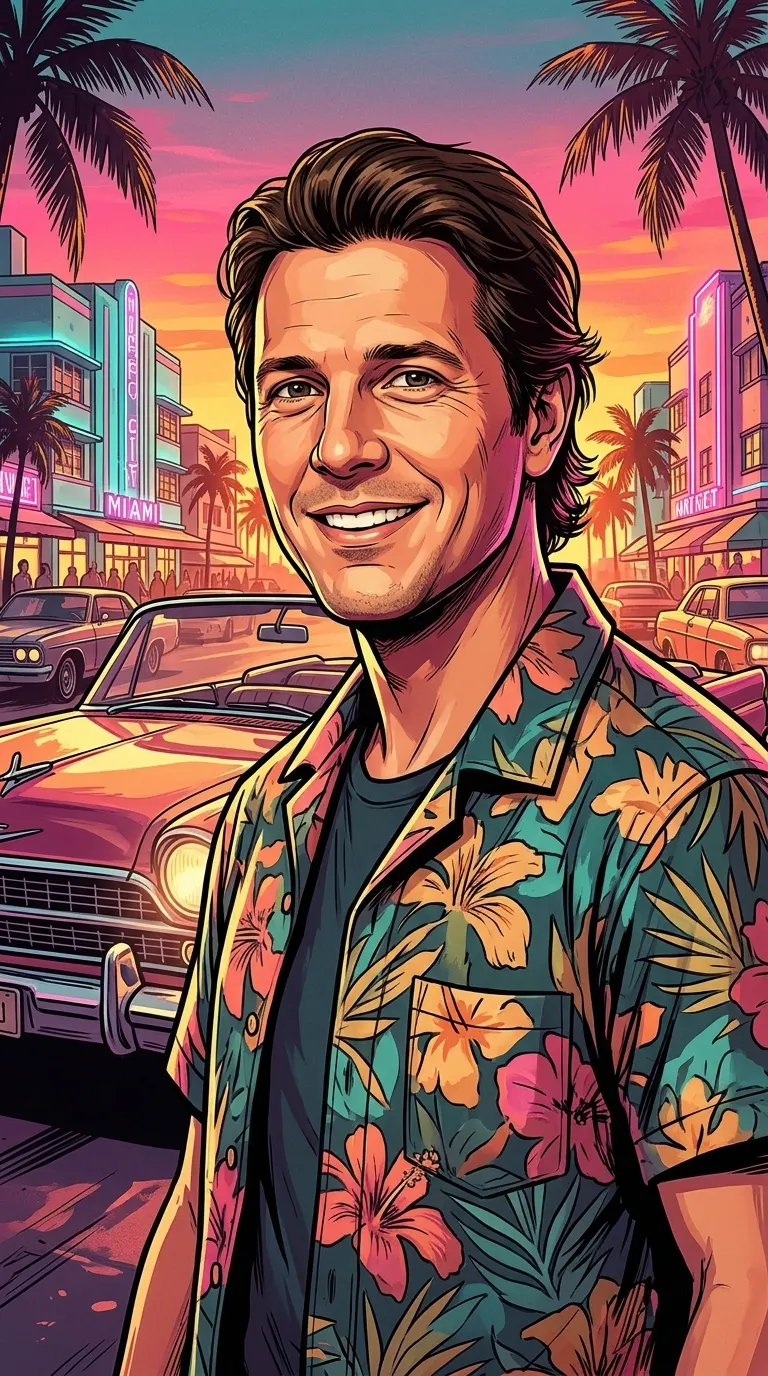
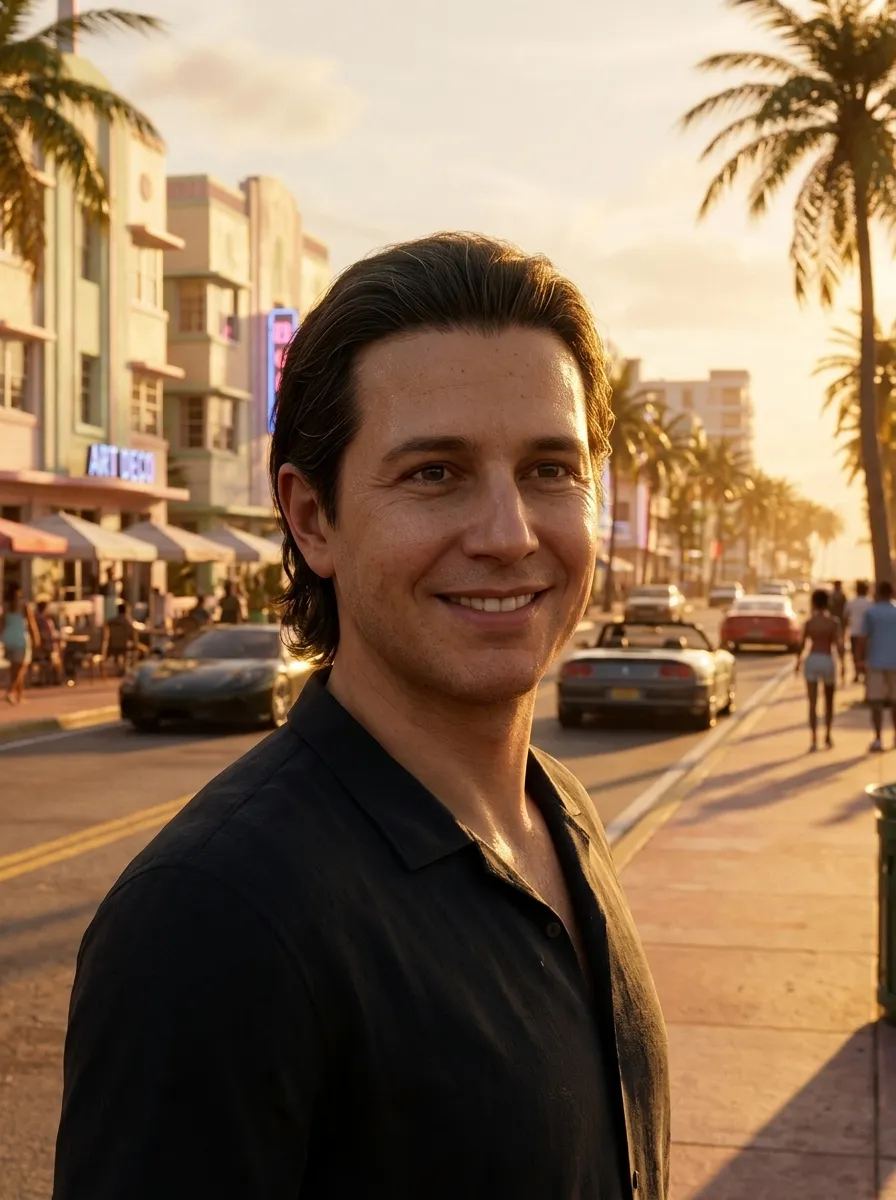
Before and after
 Photo
 ResultPhoto
 Result
A wallpaper with you in it
Official GTA 6 wallpapers show the game’s characters. This one shows you. The AI keeps your face, hair and expression and paints a sunset beach city around you: palm trees, art deco hotels with neon signs and a classic convertible.
The phone frame leaves space at the top for the clock and widgets, and keeps your face in the middle of the screen.
Phone or desktop
- Phone (9:16): fits iPhone and Android lock screens and home screens, and works as an Instagram or TikTok story.
- Wallpaper (16:9): fits laptop and desktop screens, Steam Deck and YouTube thumbnails.
- Square and Portrait are there too if you want a profile picture or a post.
Tips for a better result
- Use a sharp photo where your face is clearly visible, ideally facing the camera.
- Good, even light works best. Avoid heavy filters and dark sunglasses.
- One to three people per photo. Crowds lose detail.
- Pick Phone for lock screens and stories, Portrait for posts, Wallpaper for desktops and YouTube thumbnails, Square for profile pictures.
- Not quite right? Generate again. Each run paints a slightly different scene.
Unofficial fan tool
This site is made by fans and is not affiliated with, endorsed by or sponsored by Rockstar Games or Take-Two Interactive. Grand Theft Auto, GTA and GTA VI are trademarks of Take-Two Interactive. The images are new AI artwork inspired by the look of the games; they contain no official logos, characters or game assets.